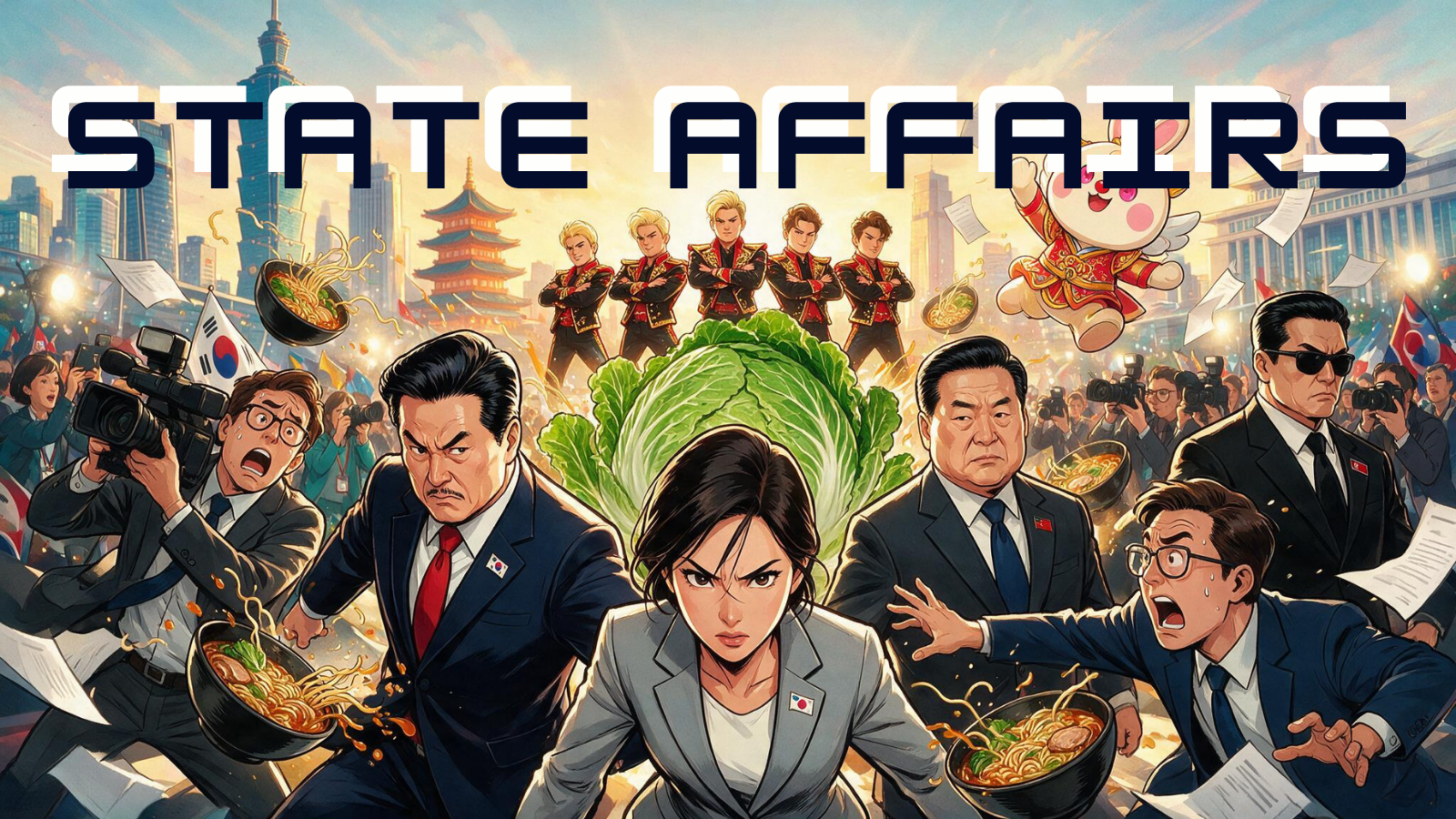
Choose South Korea, Taiwan, China, North Korea, or Japan and take responsibility for a different route through the shared world.
 LAST BELL STUDIO
03 / CLASSROOM GAMES
STATE OF
AFFAIRS
Run a country. Debate the crisis. Vote as a class. Deal with what happens next.
DECISION GAMEWHOLE CLASS5 COUNTRY ROUTESESL SUPPORT
WHAT IT DOES
PUT THE CLASS IN CHARGE.
Read each crisis, discuss the available responses, vote by a show of hands, and follow changes in Economy, Public Support, Stability and Population.
Students explain, persuade, disagree and predict because the class has a real decision to make together.
THREE STEPS
HOW IT WORKS.
Set the class population and let students become the government for the lesson.
Read the crisis, compare the available options, then click the class decision.
Watch the resource-history graphs change, read the consequence, and continue along your campaign’s route.
TEACHER FIELD NOTES
The trade-off is the lesson.
State of Affairs is a branching classroom government simulation with five country campaigns. Students read a crisis, discuss the available responses and decide together. Choices can change resources and affect later scenes, so the class experiences the consequences of its own route rather than a fixed slideshow.
Plan a government meeting
The game is designed around an approximately forty-five-minute lesson. It is a useful starting point for secondary English learners who can give reasons and compare alternatives, with teacher support as needed. The scenarios are fictional and satirical; they are not a factual account of current events or a test of political knowledge.
Choose South Korea, Taiwan, China, North Korea or Japan, set the starting class population and preview your vocabulary support language. The scene panel keeps key words and meanings visible. Ask students to identify who benefits from each response and what the government gives up.
Let the consequence screen do its job
After a show-of-hands vote, the teacher clicks the decision directly. There is no vote tally to enter or confirmation screen for each choice. The separate consequence screen animates Population, Economy, Public Support and Stability histories so students can follow changes across decisions.
Pause to ask “What changed most?” and “Was that worth the cost?” before continuing. The latest choice can be undone to correct a misclick; this is a one-step safeguard, not a way to rewind the entire campaign.
How much preparation is needed?
Preview Tutorial Mode, the first scene and the teacher settings. Check readability from the back of the room and prepare a simple speaking frame such as “We choose this because…”. Pairs can rehearse an argument before the whole-class discussion so more learners contribute.
Which vocabulary worksheet should I print?
The crossword uses up to twelve route words, with country vocabulary filling remaining places. For a review of the class’s actual campaign, open Vocabulary + Crossword after play, then print the student sheet and its teacher key from the same puzzle. Preview both before handing them out; a different route can produce different vocabulary.
Can I resume later?
Campaign progress is saved in the current browser. Use the same browser to continue, and avoid clearing site data if you need the save. Local storage is not a cloud backup or a way to transfer the class’s campaign between computers.
TUTORIAL
LEARN IT INSIDE THE APP.
BUILT-IN TUTORIAL MODE
FIRST VISIT? THE APP WILL OFFER A WALKTHROUGH.
Choose START TUTORIAL for the guided introduction or SKIP to enter immediately. Your choice is remembered on that browser, and the compact ? Tutorial button remains available whenever you want to replay it.
The video tutorial gives teachers a complete walkthrough before the first class.
OPEN STATE OF AFFAIRS ▶KEEP BROWSING