Jump directly to the vocabulary your class needs instead of following a fixed sequence.
 LAST BELL STUDIO
03 / PHONICS
ELEMENTARY
STARTER
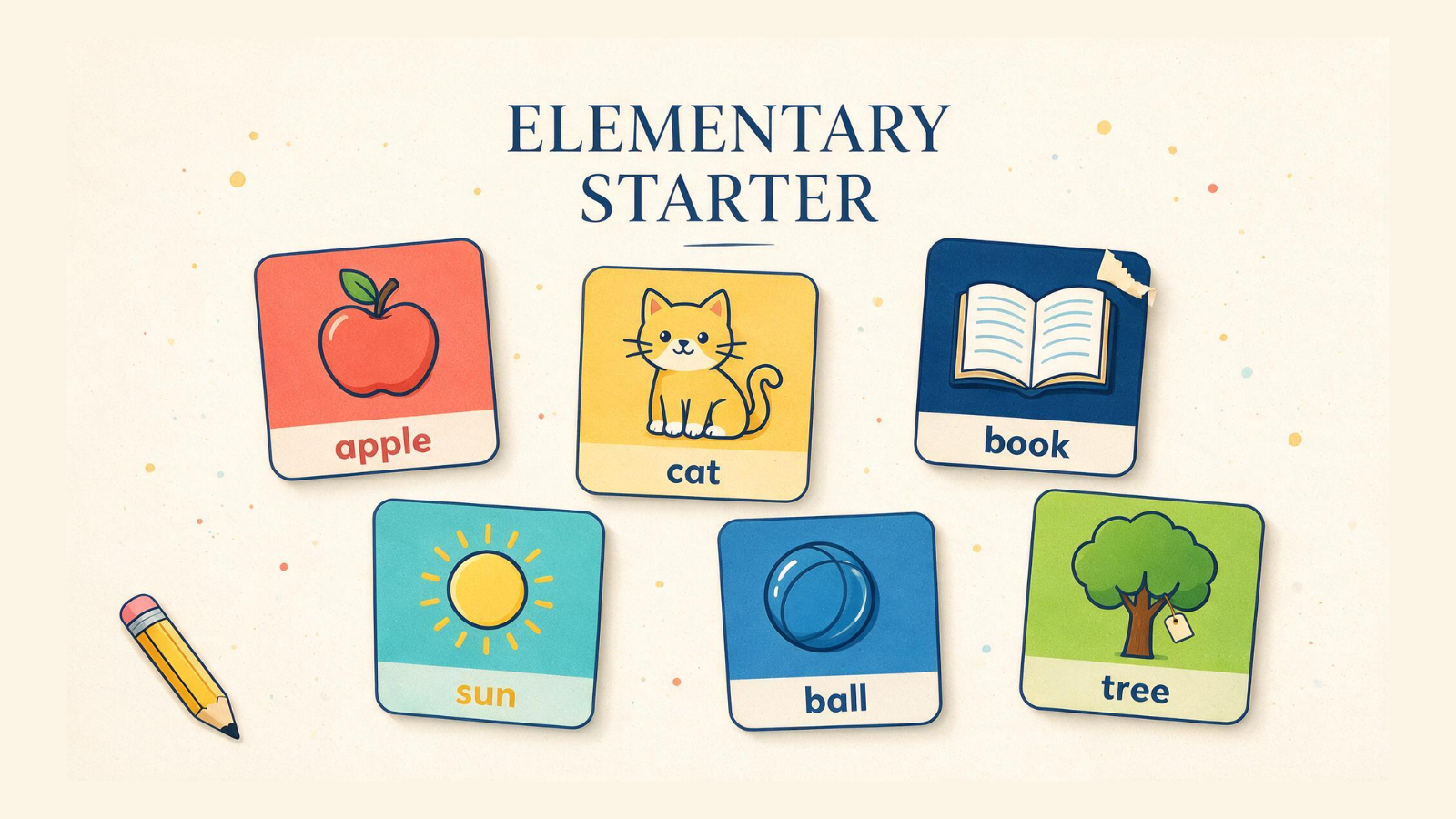
A visual-first vocabulary tool for absolute beginners.
UNIT LIBRARYFLASHCARD MODEGENERATOR MODETUTORIAL MODE
WHAT IT DOES
BUILT FOR CLASS.
Present a card and flip between the image and word.
Cycle through vocabulary quickly without the flip interaction.
THREE STEPS
HOW IT WORKS.
Pick the vocabulary set you want to teach or review.
Use Flashcard or Generator mode.
Present Image First, Word First or Mixed depending on the lesson.
TEACHER FIELD NOTES
Start with the picture, then build a response.
Elementary Starter is a visual vocabulary tool for beginning English learners. Choose a unit from the library and present its pictures and words in Flashcard or Generator mode. You can begin with images, begin with words or mix the order to match what the learner is practising.
Who is ready for it?
It is a useful starting point for kindergarten and primary learners building everyday vocabulary, but choose by knowledge rather than age alone. A child may know the spoken word without being able to read it. Use pictures to check meaning and a separate reading task to check decoding.
Try a short introduce-and-recall lesson
Select one familiar topic and introduce a manageable handful of words. Show a picture, say the word naturally and ask the learner to point, repeat or name it. In Flashcard mode, flip to connect the picture with its written label. Return to the images and invite recall without immediately supplying the answer.
After a few minutes, move away from naming alone. For a food topic, ask “Do you like…?”; for objects, ask “What colour is it?” Choose a sentence pattern your learner already knows so the new vocabulary has somewhere to go.
When should I change modes?
Use Flashcard mode when pausing and revealing the other side supports your teaching. Use Generator mode for a quicker stream of prompts. The faster option is most useful after learners recognise the words, not as the first introduction to every item.
What should I prepare?
Preview the chosen unit and decide whether you want Image First, Word First or Mixed. Have a few real objects, gestures or simple questions ready to connect the screen with conversation. A five-to-ten-minute segment can fit inside a longer lesson; the app does not prescribe a full curriculum.
Can I use it with a whole class?
Yes, as a teacher-led presentation. Give everyone a response task: point, mime, tell a partner or say a sentence before one student answers aloud. For your own printable picture set, use Flashcard Maker. Tutorial Mode helps you practise the unit, mode and ordering controls before class.
TUTORIAL
SEE IT IN ACTION.
BUILT-IN TUTORIAL MODE
YOU DON'T HAVE TO MEMORIZE THE APP.
Each classroom app is designed to teach itself through an interactive Tutorial Mode, so you can learn the controls by using them.
KEEP BROWSING