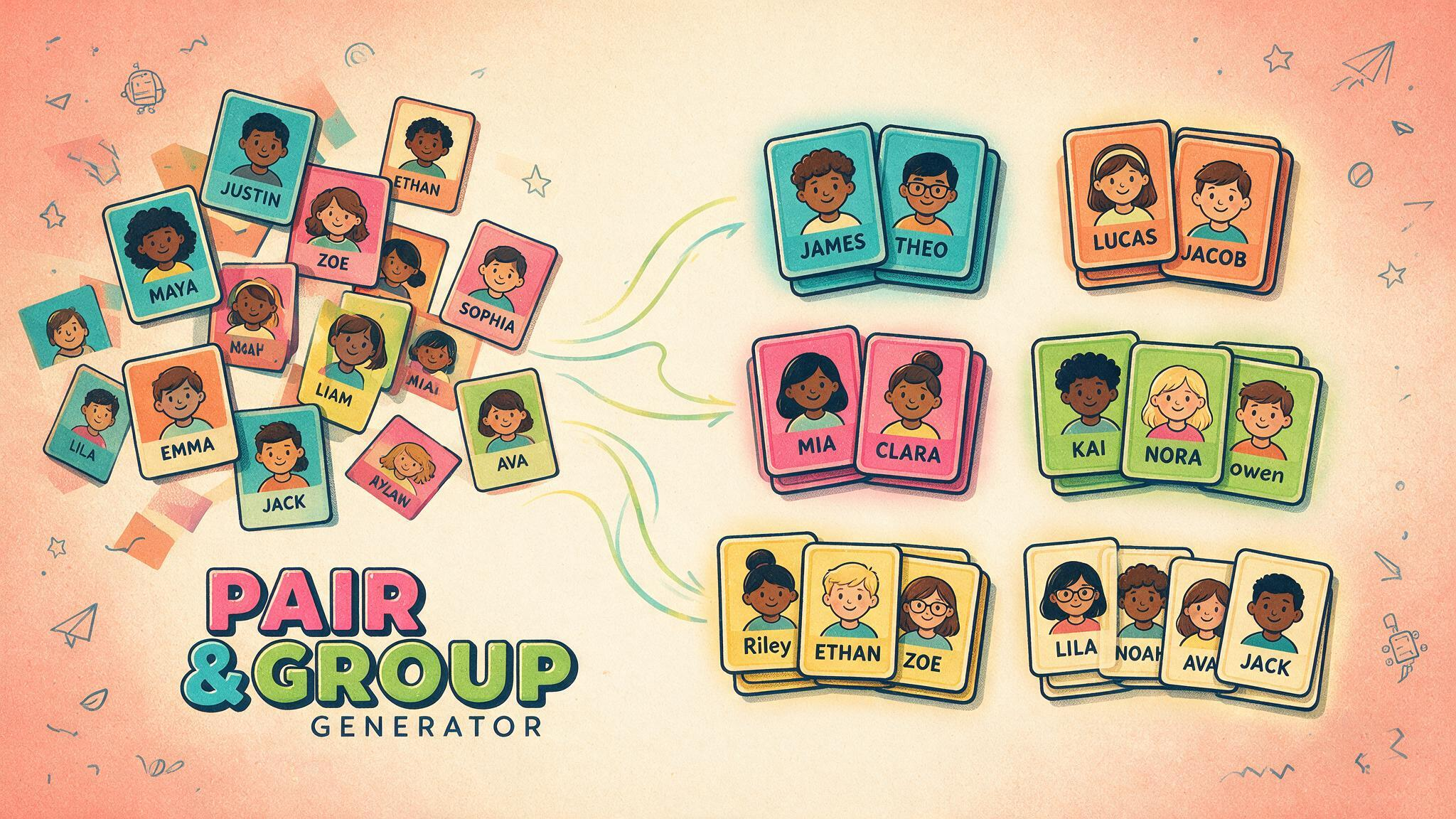
Classes saved in Pair & Group Generator are already available in Class Roulette on the same browser.
 LAST BELL STUDIO
02 / TEACHER TOOLS
CLASS
ROULETTE
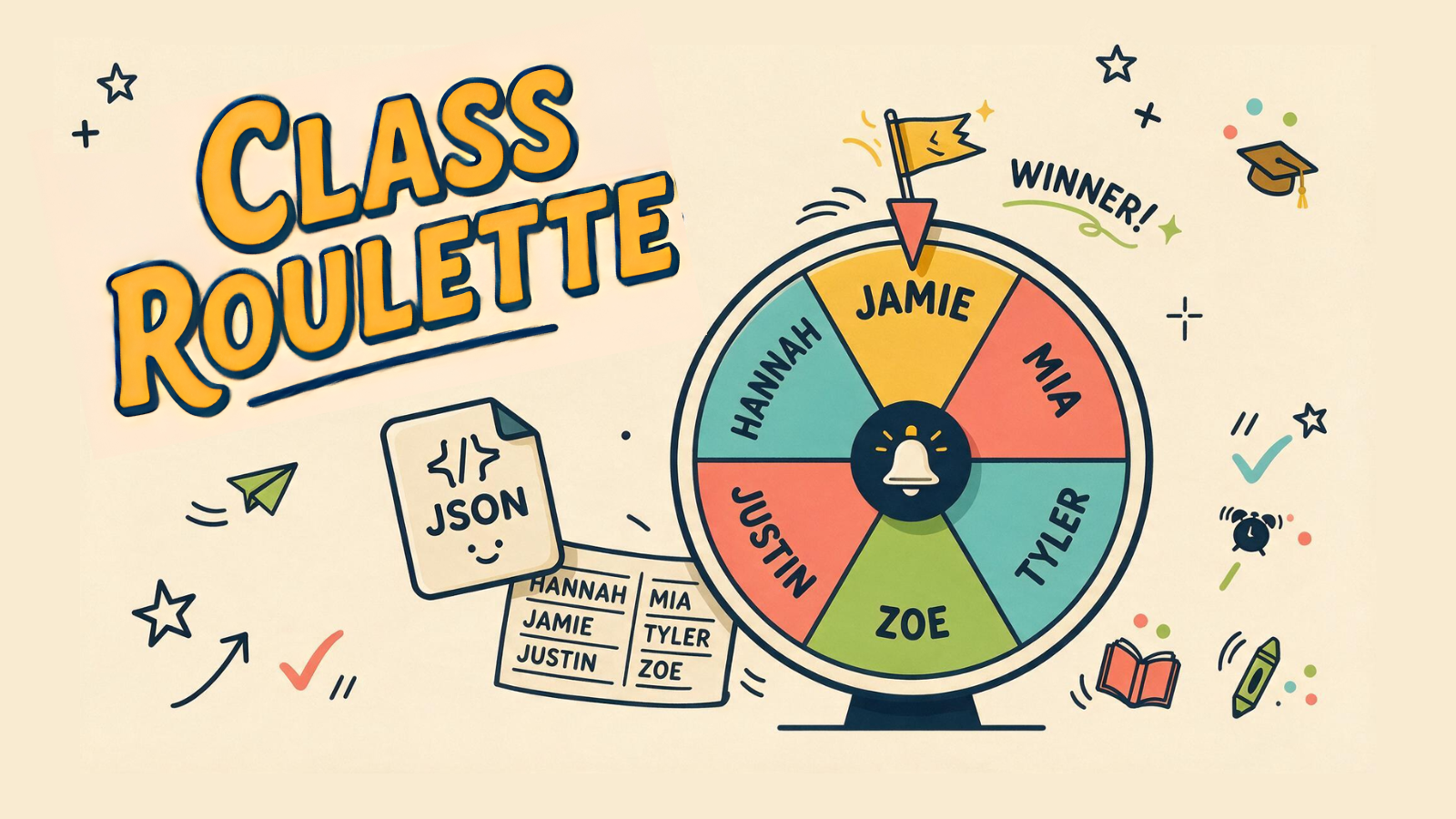
Reuse your saved class roster, check attendance, and pick a student at random.
SHARED ROSTERSATTENDANCEFAIR RANDOM PICKQUICK LIST
WHAT IT DOES
ONE STUDENT. NO FUSS.
Temporarily remove absent students before the wheel starts without changing the saved roster.
The winner is random, while the wheel may sprint, coast, crawl, overshoot or roll back.
THREE STEPS
HOW IT WORKS.
Use a roster already saved in Pair & Group Generator, import a backup, or create a quick temporary list.
Uncheck anyone absent so only students in the room are added to the wheel.
Let the wheel choose who answers, volunteers, goes first, or takes the next turn.
TEACHER FIELD NOTES
Choose a turn without making the turn a surprise test.
Class Roulette selects a student from the list you provide. It can reuse classes saved in Pair & Group Generator on the same browser, or work from a quick temporary list. Use it to choose a starter, a group reporter or the next player, with attendance checked before you spin.
Try a think-pair-report routine
Ask the whole class a question and give everyone a minute to prepare. Let pairs compare answers, then spin to choose someone to report an idea. The student has already rehearsed the language, and classmates have a reason to listen for something they also discussed.
Tell learners whether they should report their own view or their partner’s. Offer a supportive alternative when a learner cannot answer, such as asking the pair to respond together. A random selection tool should distribute turns, not replace the teacher’s judgment about readiness.
Check the roster on the day
Uncheck absent students before starting. This temporarily removes them from the wheel without deleting their names from the saved class. Read the visible list once to catch duplicate or confusing names, and use only the identifiers your school allows you to display.
Saved classes depend on the browser’s local storage. If you move to another device or clear site data, do not assume the roster will follow you. An imported backup may contain student names, so keep it private and follow your school’s sharing rules.
Will everybody get exactly one turn?
Do not assume random selection guarantees equal participation within a short lesson. Keep an eye on who has spoken and apply your classroom participation routine. Use the wheel for a specific purpose rather than spinning until a preferred student is chosen.
Can I use it without preparing a saved class?
Yes. A quick list suits a visiting group or a one-off activity. For regular classes, prepare the roster in Pair & Group Generator and reuse it. The walkthrough below shows the load, attendance and spin workflow.
TUTORIAL
SEE IT IN ACTION.
QUICK CLASSROOM TOOL
LOAD. CHECK. SPIN.
Class Roulette is intentionally simple: choose the class, check who is present, and spin whenever you need one student.
KEEP BROWSING