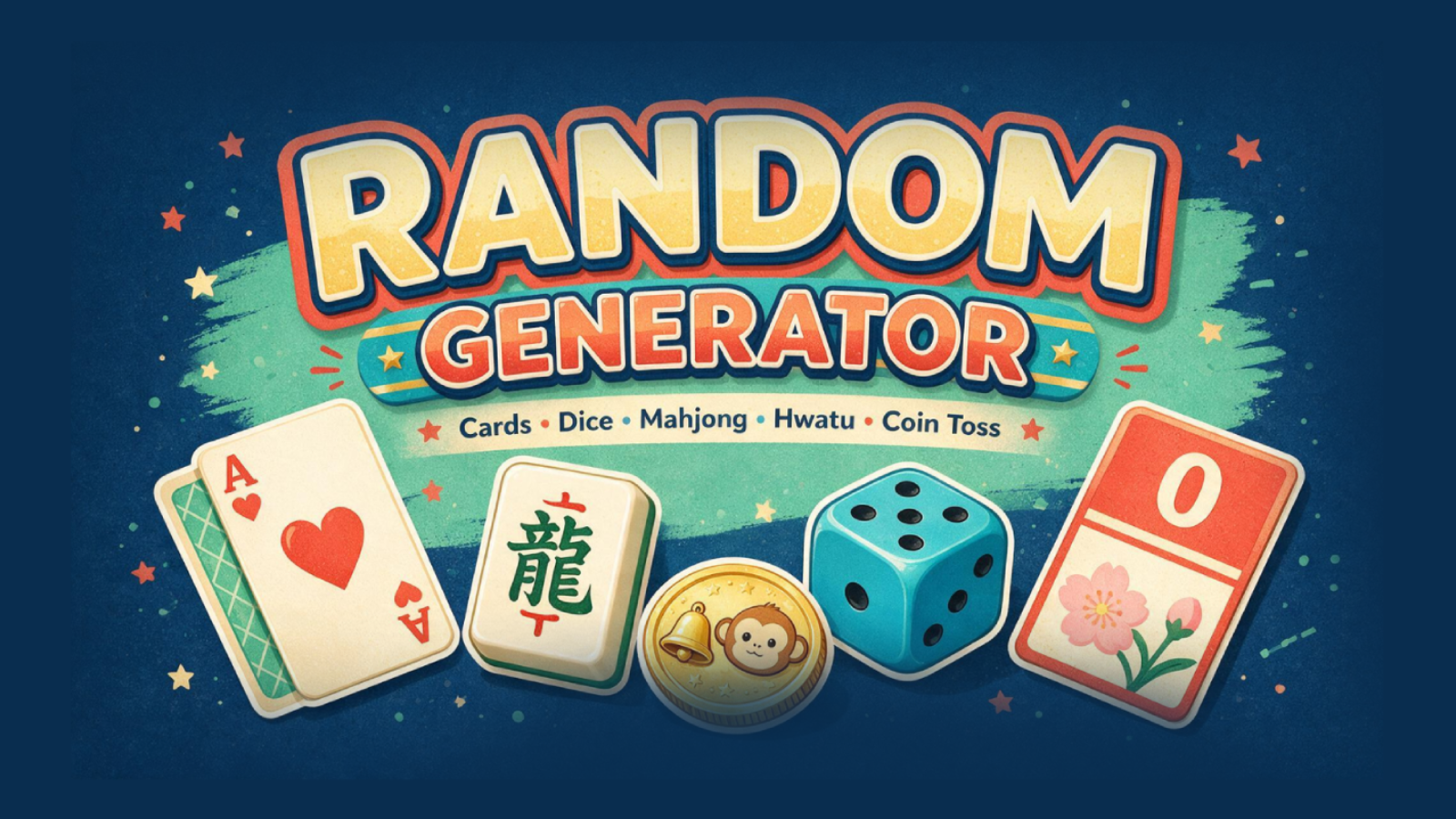
Generate 1–9 digit numbers, standard playing cards, mahjong tiles or hwatu cards.
 LAST BELL STUDIO
02 / TEACHER TOOLS
RANDOM
GENERATOR
Numbers, cards, dice, tiles and a coin toss in one classroom utility.
NUMBER GENERATORPLAYING CARDSMAHJONG + HWATUDICE + COINTUTORIAL MODE
WHAT IT DOES
BUILT FOR CLASS.
Choose D6, D8, D10, D12 or D20 and how many dice to roll.
Use the Last Bell coin toss whenever you just need a quick 50/50 choice.
THREE STEPS
HOW IT WORKS.
Choose numbers, cards, tiles, dice or coin toss.
When the mode supports it, choose how many items you want.
Get the result and move straight back into the classroom activity.
TEACHER FIELD NOTES
Let chance select the prompt, not the learning goal.
Random Generator brings several small classroom utilities onto one screen: numbers, playing cards, tiles, dice and a coin toss. Use it alongside a task you have prepared. The generated result can decide which question to answer, how many examples to give or who begins a pair activity.
Try a dice-based speaking grid
Write six familiar topics on the board and number them one to six. Roll a six-sided die, let pairs prepare for thirty seconds, then ask each learner for one sentence about the selected topic. Roll again and ask for a different detail rather than repeating the first answer.
With more confident speakers, make a second six-item list of question starters. Two rolls can produce a topic and a question. This is a teaching activity you organise around the dice; the app does not automatically create the prompts or assess the answers.
Pick the simplest useful mode
Numbers work for number-reading practice or numbered tasks. A coin is enough when only two choices are needed. Dice suit board-game movement and quick selections; cards or tiles can support a sorting or description task when learners already understand the symbols.
Choose the mode and amount before showing the result. Explain what each outcome means and whether repeat results are allowed. For young learners, model a complete turn so the randomiser does not become a second set of instructions to learn.
Does it choose students from my class list?
Use Class Roulette for roster-based student selection. Random Generator produces the numbers or objects you request; it does not know which students are present.
How long should the activity take?
A five-minute review is a useful first trial, but the tool does not impose a lesson length. Keep the language task short enough that the class spends more time responding than waiting for another result. Preview Tutorial Mode if you want to compare controls across the available generators.
TUTORIAL
SEE IT IN ACTION.
BUILT-IN TUTORIAL MODE
YOU DON'T HAVE TO MEMORIZE THE APP.
Each classroom app is designed to teach itself through an interactive Tutorial Mode, so you can learn the controls by using them.
KEEP BROWSING