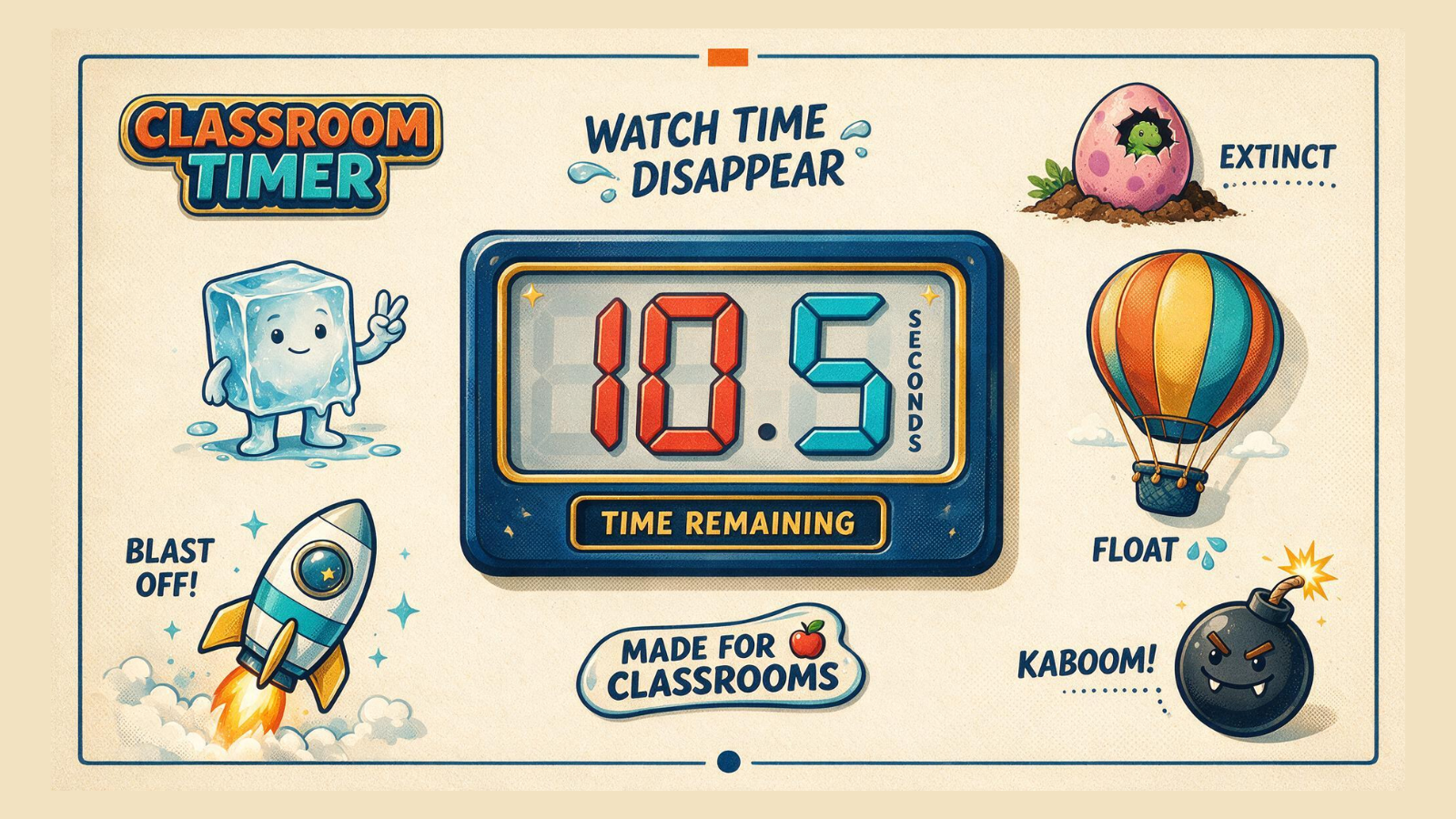
Use playful themes such as the ice cube, dinosaur egg, balloon, rocket and bomb.
 LAST BELL STUDIO
02 / TEACHER TOOLS
CLASSROOM
TIMER
A visual countdown with optional background music for the classroom.
VISUAL THEMESPRESETSBACKGROUND MUSICFULLSCREENTUTORIAL MODE
WHAT IT DOES
BUILT FOR CLASS.
Use quick presets or enter the exact time you need.
Play a YouTube track continuously while you start, pause, reset and reuse the timer independently throughout class.
THREE STEPS
HOW IT WORKS.
Choose a preset or enter hours, minutes and seconds.
Choose the visual countdown that fits the activity.
Project it, run the activity and let students see the time disappearing.
TEACHER FIELD NOTES
Make the time limit part of the instructions.
A visible timer answers “How much longer?” without interrupting the task. Use Classroom Timer for pair talk, a writing sprint, station changes or clearing up. It can support any age group; choose the theme and duration for the class rather than making every activity a race.
Try a six-minute speaking rotation
Before starting, model the question and tell partners who speaks first. Set two minutes for the first speaker, pause to change roles, then reuse the timer for the second speaker. Finish with two minutes for pairs to choose one idea to report. Students can follow the same visual signal across each stage.
The timing is a lesson suggestion, not a required app sequence. Give learners extra thinking time before the countdown if they are practising unfamiliar language. Pause when instructions need clarification; a clock should make the task clearer, not reward the quickest reader.
Prepare the screen and sound
Check that students at the back can see the display. Choose a preset or enter an exact duration, preview the theme and test the end alert before class. If you use optional YouTube background music, choose and test a suitable track in advance. Music and the countdown have independent controls, so resetting the timer need not restart the whole music session.
Do I have to use music?
No. The countdown works as a timing tool without a YouTube track. Silence may be a better choice for listening, independent reading or learners who find background sound distracting.
What should students do when time runs out?
Agree on a routine before pressing Start: finish the sentence, stop writing or face the board. The timer signals the transition; you decide whether a group needs more time. Use the built-in tutorial to practise the controls before relying on them during a lesson.
Try it in a phonics lesson
See how I use Classroom Timer, Syllable Split and Phonics Bomb in my phonics classroom routine, from opening dictation to the final standing game.
TUTORIAL
SEE IT IN ACTION.
BUILT-IN TUTORIAL MODE
YOU DON'T HAVE TO MEMORIZE THE APP.
Each classroom app is designed to teach itself through an interactive Tutorial Mode, so you can learn the controls by using them.
KEEP BROWSING