Track results across a complete sequence instead of resetting every round.
 LAST BELL STUDIO
02 / TEACHER TOOLS
CLASSROOM
SCOREBOARD
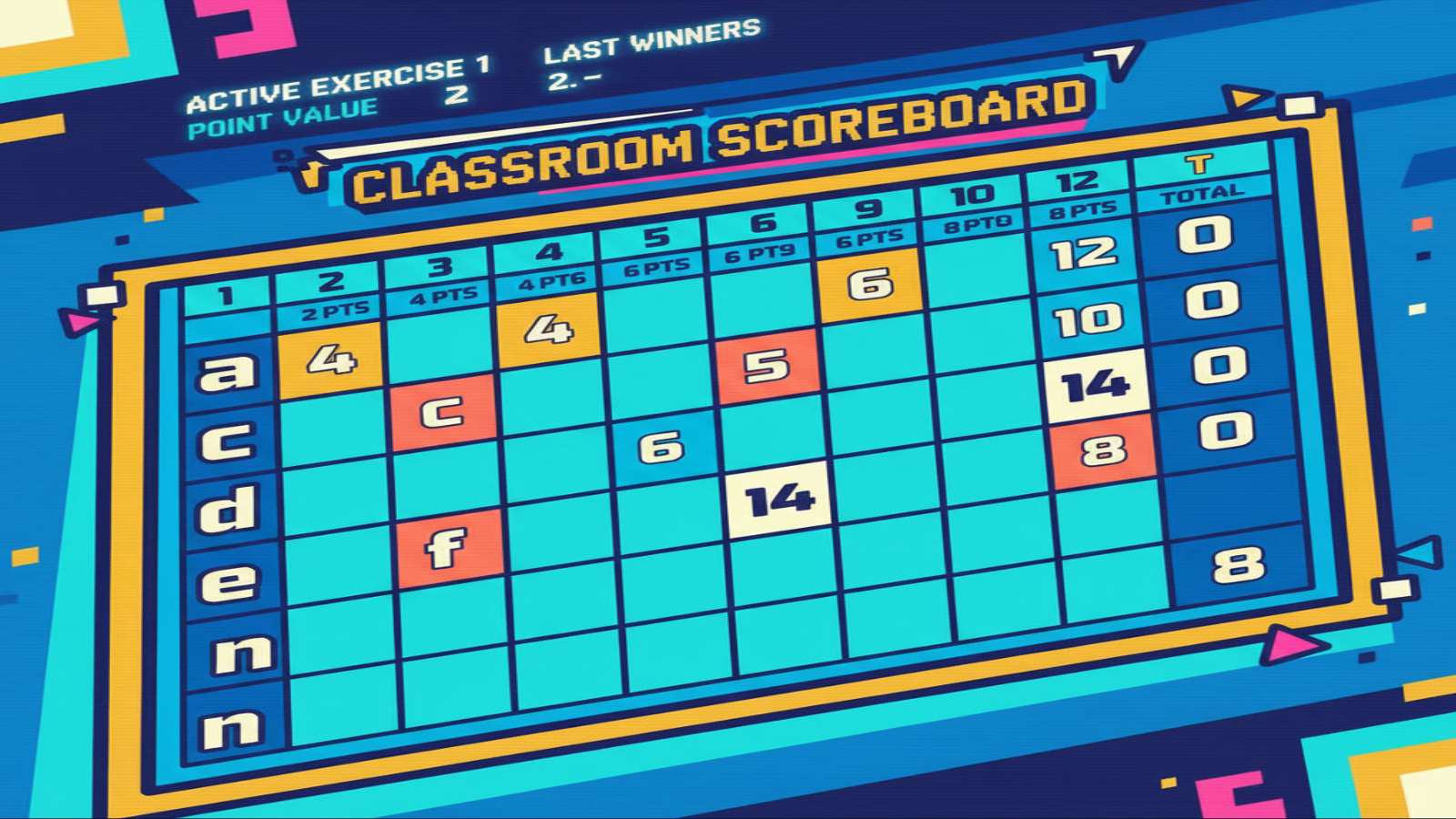
Turn a sequence of exercises into a classroom competition.
12 EXERCISESTOP 3 TEAMSWEIGHTED TOTALSTUTORIAL MODE
WHAT IT DOES
BUILT FOR CLASS.
Record the first-, second- and third-place teams for each exercise.
Later exercises carry more weight so the competition can stay alive.
THREE STEPS
HOW IT WORKS.
Use the team rows you need for the class.
Mark the top three teams after each exercise.
The board calculates the running competition across all twelve exercises.
TEACHER FIELD NOTES
Keep the scoring visible and the rules predictable.
Classroom Scoreboard tracks a sequence of twelve exercises, recording the top three teams in each. Later exercises carry more weight, so explain the scoring before students start. It suits team review lessons where you already have questions or tasks; it does not generate the lesson content for you.
Build a review session around several skills
Prepare a mixture of short vocabulary, sentence-building and speaking challenges. Let teams discuss an answer, then decide first, second and third place using the rule you announced. Record the result and let the running total carry the competition across tasks.
For a longer class, allow roughly two or three minutes per exercise and leave time for instructions and feedback. Treat that as planning guidance, not a built-in timer. Avoid rushing a useful explanation just to finish all the rounds.
Decide what earns a place
Fastest is not always best. You might judge accurate sentences, a clear explanation or successful cooperation. Use one understandable rule for each exercise and tell teams when it changes. Rotate speakers and writers so one confident learner does not do every task.
Check team names and the displayed exercise before entering a result. Because later rounds have more influence, remind students of that structure when the lesson changes stages. Keep feedback focused on the answer or teamwork rather than labelling a team as weak.
Can younger learners use it?
The teacher operates the board, so students do not need to read every control. Use fewer instructions, clear team names and concrete tasks. If competition distracts your class from learning, a cooperative target may be more suitable than a ranked game.
What should I prepare?
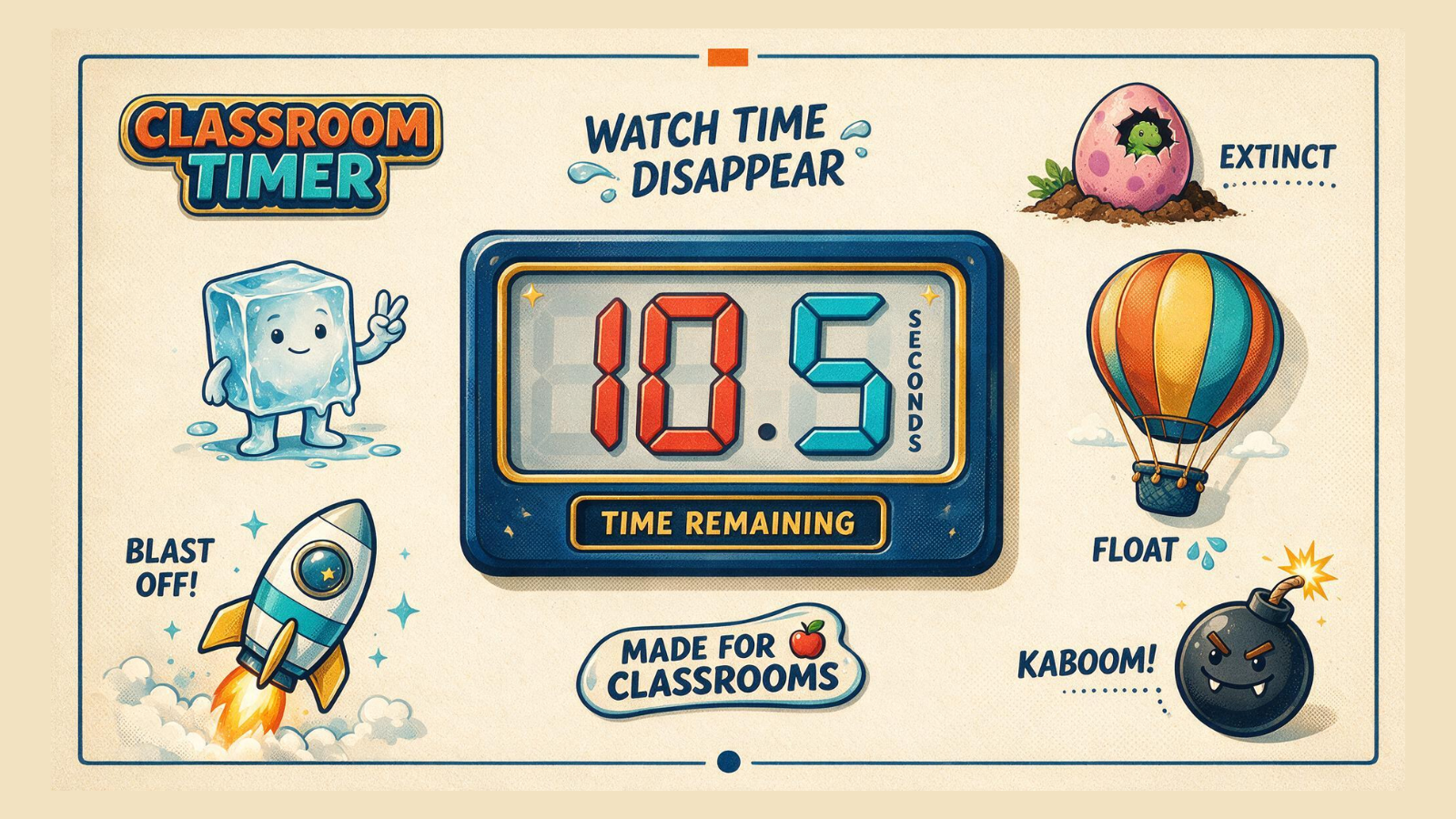
Bring the exercise sequence, any answer keys and an agreed scoring rule. Preview the tutorial and enter a practice result before class. Pair the board with Classroom Timer when a visible time limit helps everyone work at the same pace.
TUTORIAL
SEE IT IN ACTION.
BUILT-IN TUTORIAL MODE
YOU DON'T HAVE TO MEMORIZE THE APP.
Each classroom app is designed to teach itself through an interactive Tutorial Mode, so you can learn the controls by using them.
KEEP BROWSING
RELATED APPS.
CLASSROOM ROUTINE
USE IT FOR A PHONICS DICTATION RACE.
See how I use team letters and a rising points ladder in Scoreboard during a twelve-word blend dictation race.